



Goldspinia App
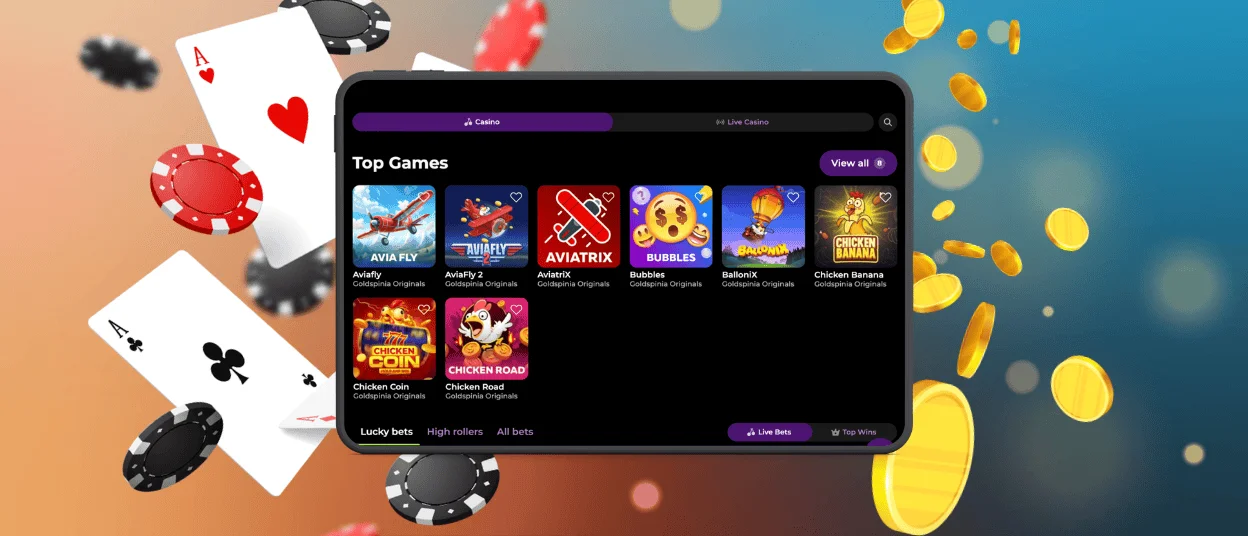
The Goldspinia app gives players direct access to our mobile casino from a smartphone or tablet. We use web-based technology to keep the experience fast, focused and easy to open on supported devices.



Mobile Play Benefits
We designed our mobile platform for flexible play away from a computer. The interface is responsive on smaller screens and our games and account tools are still available through the same online service. This makes the Goldspinia mobile app ideal for short bursts and regular mobile gambling.
Full-Screen View
When players add the Goldspinia app as a PWA, it can open in a standalone window. The address bar and browser tabs take up no space, leaving more of the screen for the casino interface. This focused layout makes it especially useful on mobile phones. Game thumbnails and account controls are all in one window designed for it, so you are not cluttering the screen while playing.
Touch Controls
We adapt buttons, menus and page sections for touch input. Players can tap game tiles and move through the casino without using a mouse or zooming the page. The format works well for mobile slots and mobile betting on smaller screens. We keep menus readable and key controls within easy reach in both portrait and landscape mode.
Account Across Devices
We keep account data connected to one player profile across compatible mobile and desktop devices. Balance information and account settings remain linked when a player changes from a phone to a tablet or computer. The Goldspinia app therefore works as another access point to the same account.
Home-Screen Access
Players can add Goldspinia to the home screen and open it from a dedicated icon. This removes the need to type the website address each time. One tap opens the Goldspinia app and gives direct access to our mobile casino.
Android Access
The Goldspinia app download on Android starts in Chrome. Open the official Goldspinia website, tap the three-dot menu, choose “Add to Home Screen” and confirm the action.
Chrome then creates a Goldspinia icon on the device.
APK and PWA
Our official mobile setup uses a progressive web app instead of a traditional installer. This format relies on the browser engine and uses less device storage than many native applications.
The Goldspinia download app process starts on our official website. The Goldspinia app then opens from the home screen without requiring a separate third-party package.
Apple Mobile Access
The Gold Spinia app is available on iPhone and iPad through Safari. Open our official website, tap Share, select “Add to Home Screen” and confirm. The icon then appears on the device and opens Goldspinia in an app-style window.
This iOS app setup does not require a traditional store installation. On supported Apple devices, Face ID or Touch ID can make sign-in faster.
Browser or PWA
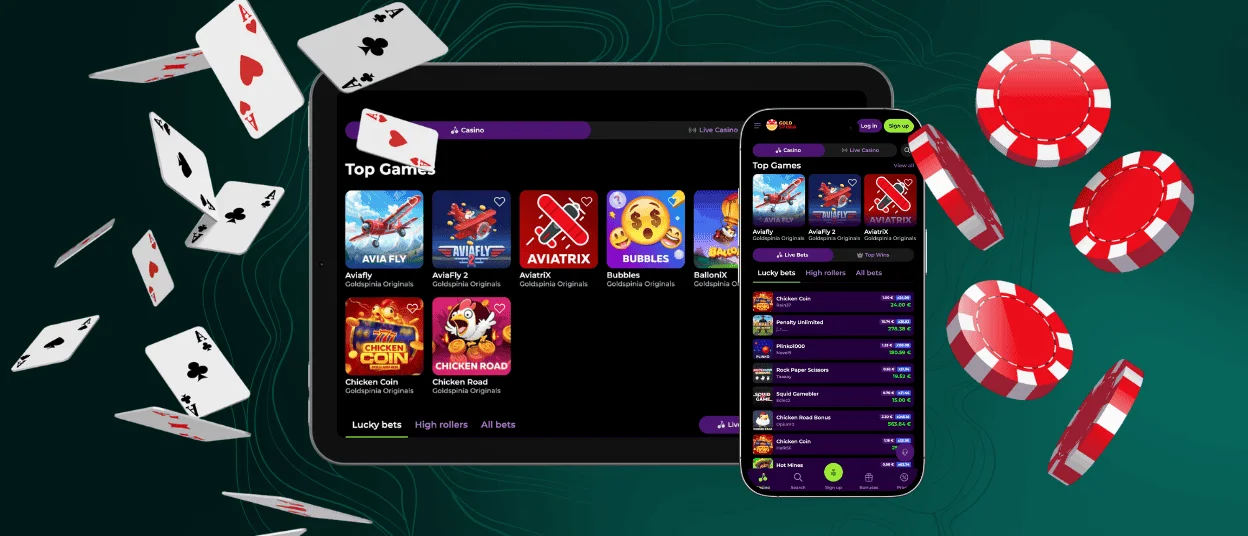
We provide two mobile access formats. Players can open our website directly in Chrome or Safari or launch the Goldspinia app from a saved home-screen icon. Browser access suits occasional sessions, while the home-screen option reduces the steps needed for regular use.

Device Compatibility
We support the Goldspinia Casino app on smartphones and tablets that can handle modern HTML5 content. Mobile requirements depend on the operating system and browser.
| Device | Minimum System | Recommended Browser |
| Android phone or tablet | Android 8.0+ | Updated Chrome |
| iPhone or iPad | iOS 13.0+ | Safari |
| Windows computer | Modern supported system | Current web browser |
| Mac | Modern supported system | Current web browser |
HTML5 support allows our casino interface and game content to adjust to different screen sizes without requiring separate versions for each device type.
Browser and Connection Settings
The best mobile experience is on the latest version of Chrome or Safari. For proper loading of our casino pages and games we recommend a stable Wi-Fi or mobile data connection.
If the connection has changed, players can refresh the page or re-open the Goldspinia app. If older files are still stored on your device, clearing the browser cache loads the current version of the page . If account access needs assistance, our support team can help through the available contact options.
Mobile Questions
How Are Updates Applied?
We provide current site content on the online platform. The Goldspinia app receives these changes when it connects, so PWA users don’t have to install a new package every time there is an update.
Can I Use Biometric Login on Mobile?
Faster login with Face ID or Touch ID on supported Apple devices. Availability depends on device and biometric settings.
Is Internet Access Required?
YAn active internet connection is required to play games, update account settings and load current casino data in the Gold Spinia app. The PWA may display previously loaded pages offline, but gaming and account changes remain unavailable until the device reconnects.


